
How to Print a Wall Calendar at Any Size (A3, A2, A1)
You have a PDF wall calendar. Now you need it on your wall — at exactly the right size. Here is how to get there, from A4 at home to A1 at a copy shop.
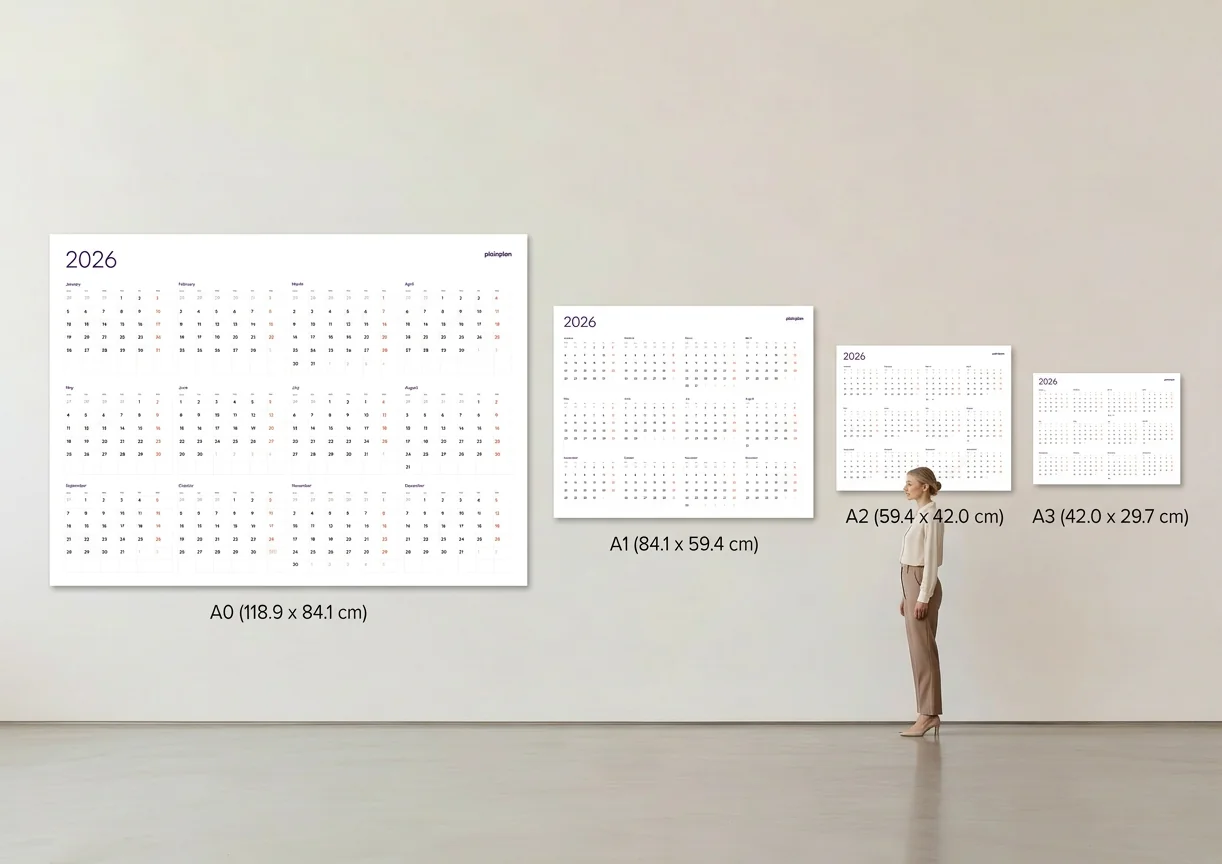
Printing at home (A4 and A3)
Most home printers handle A4 (210 × 297 mm) without any trouble. Open your PDF, select “Fit to Page” or “Actual Size” in the print dialog, and hit print. A4 works well for a personal desk or a narrow wall space beside your monitor.
If you have an A3–capable inkjet or laser printer, the jump in readability is significant. A3 is exactly double A4 and gives you enough room to write notes directly on the planner. Set your printer to A3 paper size, make sure the tray is loaded correctly, and print.
For vector PDF planners, the output will be crisp regardless of size — the file scales mathematically, so there are no pixels to blur. If your PDF is raster-based (made from an image), you may notice fuzzy text at A3. That is a file quality issue, not a printer issue. See what makes a vector PDF different if you want to understand why.

Copy shop printing (A2, A1, A0)
For anything larger than A3, a local copy shop or print center is the simplest route. Most shops have wide-format inkjet plotters that handle A2 (420 × 594 mm), A1 (594 × 841 mm), and even A0 (841 × 1189 mm) — all defined under the ISO 216 international standard.
Bring your file on a USB drive or email it ahead. Ask for a matte or satin finish — glossy paper causes glare under overhead lighting and makes it harder to write on the calendar with markers. Expect to pay between $3 and $20 depending on size and paper stock. Read the full breakdown in our guide to printing at Office Depot, Staples, and FedEx.
One important detail: tell the shop to print at 100% scale with no auto-fit. Some print software adds margins or shrinks the file by default. A vector PDF will look perfect at any enlargement, so there is no need to worry about resolution — just make sure the scaling is correct.
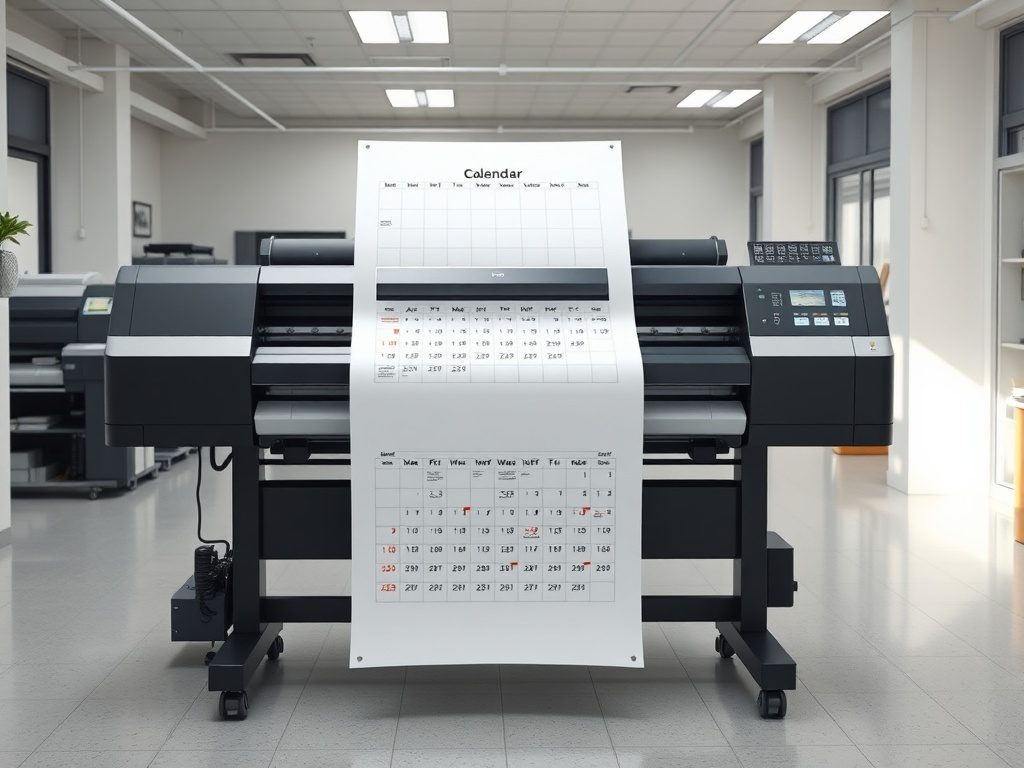
Online print services
If you do not have a copy shop nearby, online printing services will print and ship your calendar. Upload your PDF, choose the paper size and finish, and they deliver it rolled in a tube or flat in a mailer.
Look for services that accept custom PDF uploads rather than only their own templates. Pricing varies, but large-format single-sheet prints usually run $5–$25 plus shipping. Turnaround is typically 2–5 business days.
Online services are also useful when you need multiple copies — for example, printing the same planner for every classroom in a school or every team in an office. Bulk pricing drops fast once you order five or more.
Paper and finish tips
Standard 80 gsm copy paper works fine for A4 and A3 home printing. For larger sizes, step up to 120–160 gsm so the calendar does not sag or tear when hung. If you plan to write on the calendar regularly, matte-coated stock is the only finish that takes pen marks reliably — ballpoint, gel, and fine-liner all work without smearing. See our paper weight and finish guide for the full breakdown.
Matte finishes are easier to read and write on. Glossy finishes look sharper in photos but reflect light and smudge when touched. Satin sits in between and is a solid default choice for most wall planners.
When using a vector PDF like PlainPlan, you do not need to worry about DPI or resolution settings. The file is mathematically defined, so it prints at the maximum quality your printer or plotter can produce — from A4 all the way to A0. If you want to go deeper, read the case for vector PDF.
Quick checklist before you print
Open the PDF and verify it shows the correct year and layout. Set your print dialog to the target paper size and disable any auto-scaling. Choose matte or satin paper for wall use. Print a test page at A4 first to check colours and alignment.
If you are printing at a copy shop, confirm the price and turnaround before leaving the file. Ask for a proof if available. For online orders, double-check the upload preview to make sure nothing got cropped.

Frequently asked questions
Most home printers max out at A4 (210 × 297 mm). Some inkjet and laser printers support A3 (297 × 420 mm), which is double the size. For A2, A1, or A0, you need a wide-format printer at a copy shop or print service.
Yes — if the file is a vector PDF. Vector graphics are stored as mathematical paths, not pixels, so they scale to any size without loss of sharpness. A raster PDF (made from a JPG or screenshot) will look blurry when enlarged.
Say: “Please print at 100 per cent, no scaling, matte paper.” Then give them the target size in millimetres or inches. Always check the on-screen preview before approving the job.
A colour A1 print at a copy shop typically costs $10–$30 depending on paper grade and location. An engineering print (black and white) costs $2–$5 at most FedEx Office or Office Depot locations, and looks clean for a minimal line-based design.
Sources
Print your year.
One file. Any wall. Always sharp.