
What Is a Vector PDF and Why Your Wall Calendar Should Be One
You send a calendar PDF to the copy shop and get back a blurry poster. The file looked perfect on screen. The culprit is almost always the same thing: a raster PDF masquerading as a print-ready file.
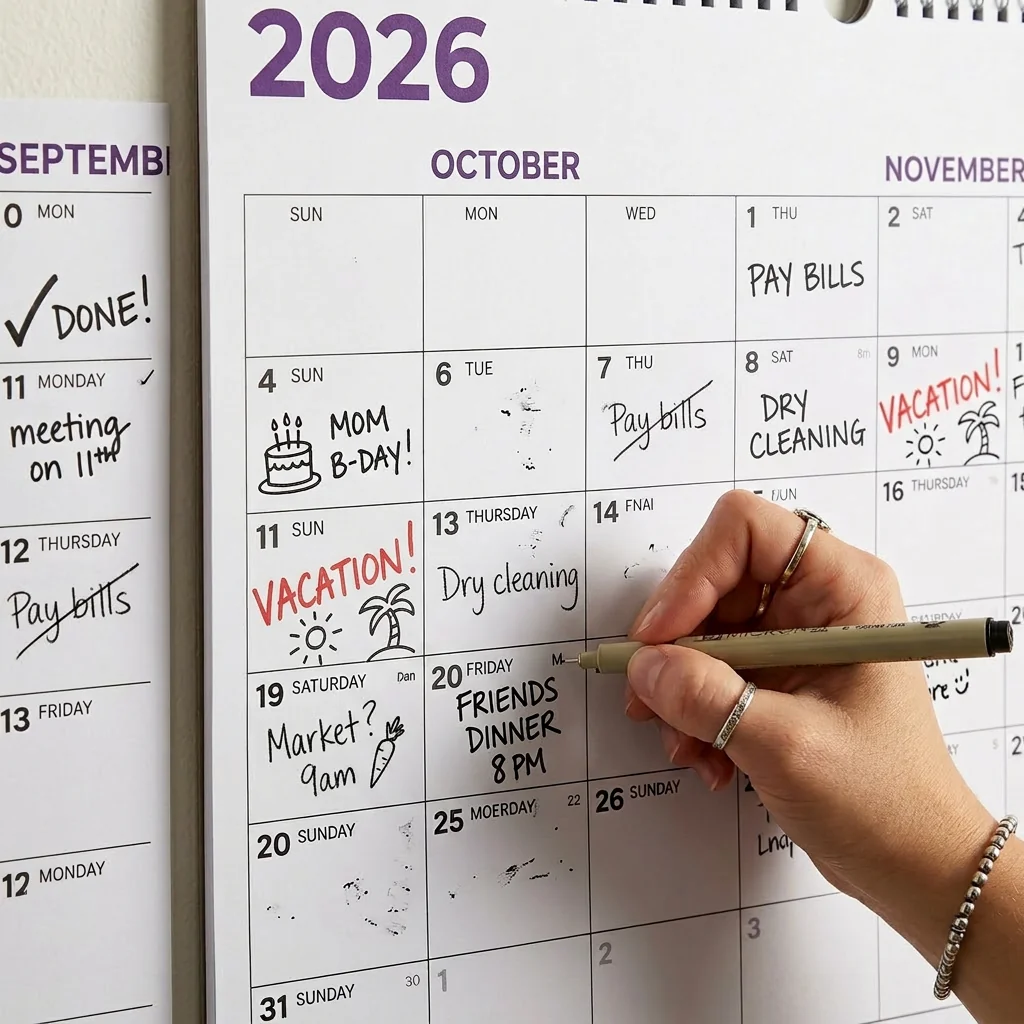
Raster vs. Vector: The Simple Explanation
A raster image is made of pixels — tiny colored squares arranged in a grid. A photograph is raster. A screenshot is raster. When you zoom in far enough, you see the individual squares. The image has a fixed resolution (e.g., 300 DPI at letter size), and enlarging it beyond that resolution makes it blurry.
A vector image is made of mathematical instructions. Instead of storing thousands of pixels, it stores commands like “draw a line from point A to point B” or “fill this shape with blue.” Text is stored as actual text, not as a picture of text. There is no pixel grid and no resolution limit.
Both raster and vector content can live inside a PDF file. The file extension alone does not tell you which one you have. A PDF containing a scanned image is raster. A PDF created from a design tool with live text and shapes is vector.
Why It Matters for Wall Calendars
A wall calendar is one of the few documents that people routinely print at very different sizes. One person prints it at A4 for a cubicle. Another prints it at A1 for a shared office. A teacher prints it at A0 for a classroom wall.
A raster PDF designed at letter size (300 DPI) contains about 8 million pixels. That is plenty for an 8.5 × 11 inch sheet. But enlarge it to A1 (594 × 841 mm) and those same 8 million pixels are now spread across a surface nearly seven times larger. Text becomes unreadable. Lines get jagged. Fine details disappear.
A vector PDF has no such limit. The same file produces razor-sharp output at A4, A1, or any size in between. The printer renders the mathematical paths at its own maximum resolution, whether that is 600 DPI on a home laser or 2400 DPI on a professional plotter. For a full comparison of sizes and what they look like in print, see How to Print at Any Size.
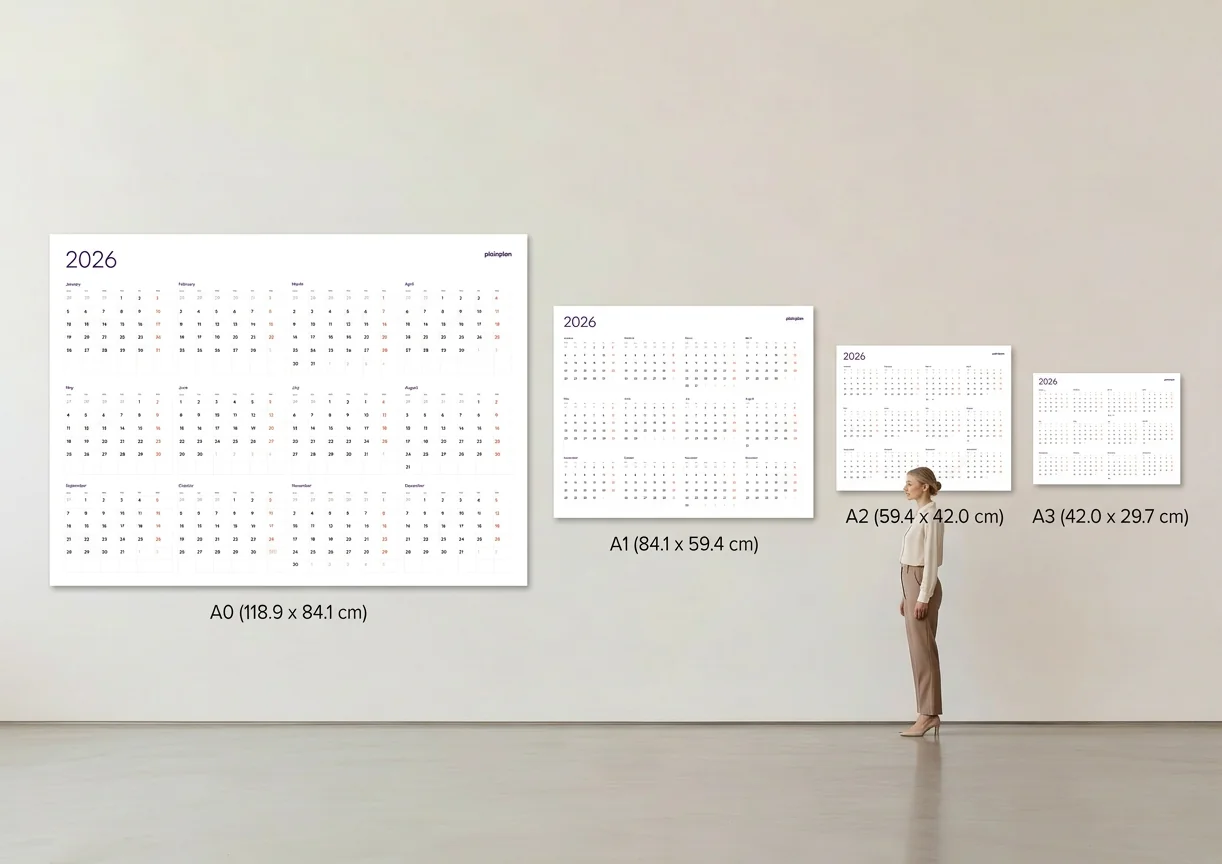
Quality at Any Size: What That Means in Practice
With a vector PDF wall calendar, you buy or download one file and print it anywhere. A4 at home to check the layout. A2 at a copy shop for the kitchen. A1 for the office. The output is identical in sharpness every time. For guidance on choosing the right paper for each size, see Best Paper for Wall Calendar.
This also means you can reprint freely. Midway through the year, the planner is covered in notes and marker streaks? Print a fresh copy. Need another one for the garage or the cabin? Same file, same quality, no extra cost.
PlainPlan 2027 is built entirely as vector — every line, every letter, every grid cell. The files include both EU A-series and US Arch paper proportions, so the layout is optimized for the paper standards in your region rather than awkwardly scaled from one format to another.
How to Tell If Your PDF Is Vector
Open the PDF in any viewer and zoom in to 400% or higher. Look at the text and the lines. If the edges stay perfectly sharp no matter how far you zoom, the content is vector. If the edges get fuzzy, pixelated, or stair-stepped, the content is raster.
Another test: try to select and copy text from the PDF. In a vector PDF, text is selectable because it is stored as real characters. In a raster PDF, you cannot select individual words because the entire page is a flat image.
If you are shopping for a printable calendar, this two-second zoom test is the most reliable way to check quality before you print. It works in every PDF viewer on every platform — no special software needed. For more context on why vector is the only sensible format for print, read The Case for Vector PDF.

Frequently asked questions
No. PDF is a container format that can hold raster images, vector graphics, or a mix of both. A PDF exported from a photo editor is typically raster. A PDF created from a design or layout application (Illustrator, InDesign, Affinity) is typically vector. The extension tells you nothing about the contents.
Screens display at 72–96 DPI, which is low enough that even a raster file looks sharp. When you print at A1 or larger, the printer needs far more resolution than the file contains. Vector files sidestep this entirely because they have no fixed resolution — the printer renders them at full quality.
Yes. Open the file in any PDF viewer, zoom in to 400% or more, and look at the text edges. If they stay sharp, the file is vector. If they look pixelated or fuzzy, it is raster. You can also try to select text — a vector PDF lets you highlight individual words.
The file cost is the same — you buy it once and print at any size. What changes is the paper and ink cost at the print shop, which depends on the copy shop’s pricing. The file itself does not need to be re-purchased or upgraded for larger sizes.
Sources
Ready to plan your year?
One file. Any wall. Always sharp.