
Staff Holiday Planner on the Wall: One Sheet for the Whole Year
A shared spreadsheet tells you who is off when you open it. A wall planner tells everyone who is off when they walk past it. Here is how to run annual leave for a team on one printed sheet - and why a blank grid does it better than a template.
Why leave planning belongs on a wall
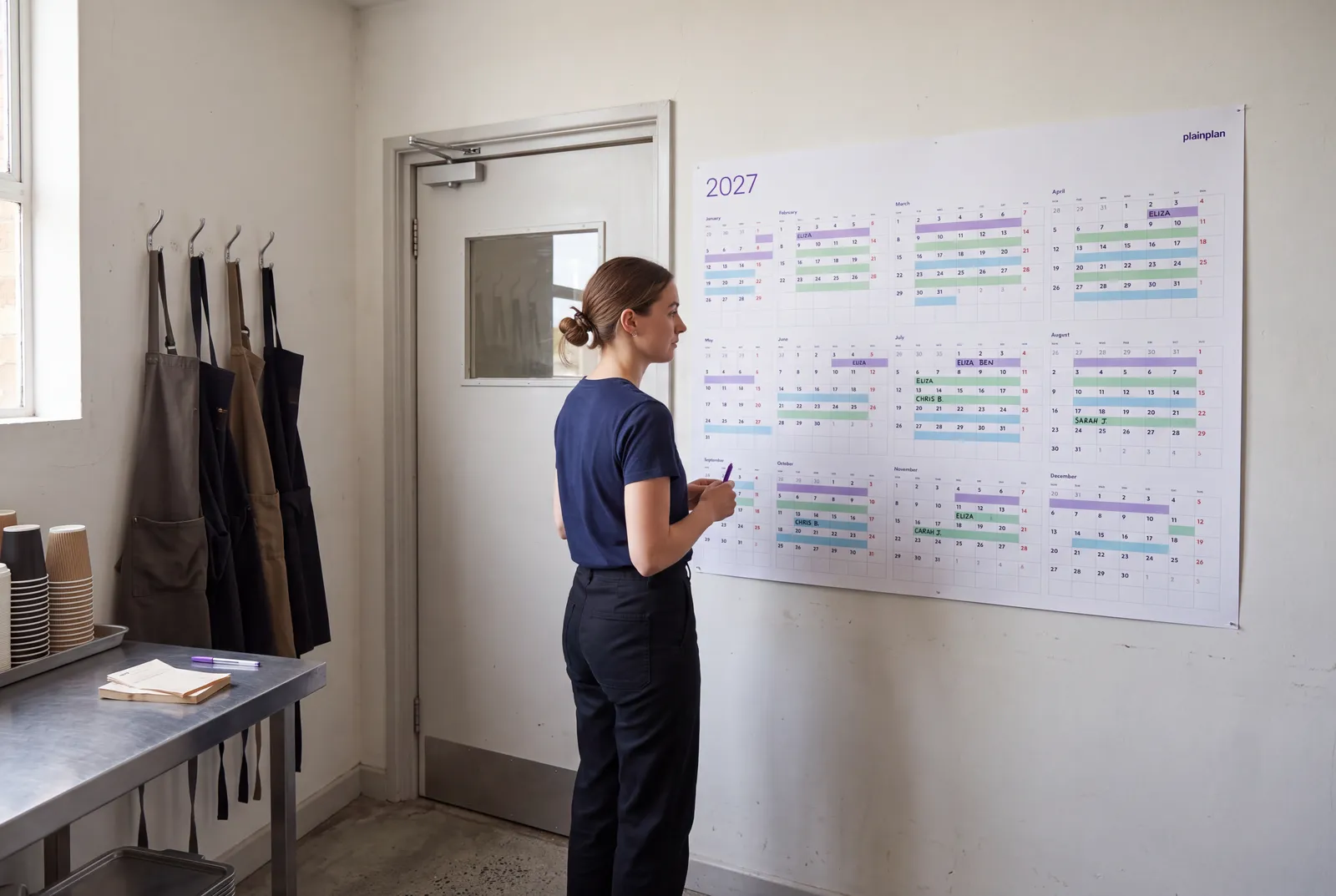
Annual leave is the one piece of planning that everybody on a team needs to see and almost nobody looks up. It lives in an HR system, a shared calendar or a spreadsheet, and the question “is anyone off that week?” gets answered by asking around. A wall planner turns that into a glance: the whole year, every name, in the place people already stand - by the kettle, by the door, behind the counter.
plainplan is not a holiday planner. It is a blank year with big day cells and nothing printed on it, which is exactly why it works for one: a dedicated staff holiday template decides the columns, the colours and the number of people for you. A blank grid takes whatever your team looks like this year and something different next year, with the same file.
Setting up the year
Print the Vertical layout - months side by side, every day of the year in one sweep - at A1 or 24 × 36 inches, and hang it where the team passes. Write the fixed things first: public holidays, the days the business is closed, the weeks nobody may take off. Do this in one colour, before anyone adds their own leave, so the constraints are visible before the requests.
Then add the rules that matter for your business along the top edge or in a corner: how many people can be off at once, how far ahead leave must be booked, who approves it. On a wall, a rule written once is a rule everyone has read.
One colour per person, one rule
Give each person a colour - a highlighter, a marker, a line of coloured tape - and write their name next to it in a legend. Booked leave is a bar across the days; a pencil bar is a request, a marker bar is approved. That is the entire system. It scales to about eight people before the legend gets long; past that, colour by team instead and write initials in the cells.
Keep one colour off limits: red is for closures and days nobody may take. If red already means something else in your business, pick another, but keep one colour that only the manager writes in.
Try 2026 for free
before you buy 2027
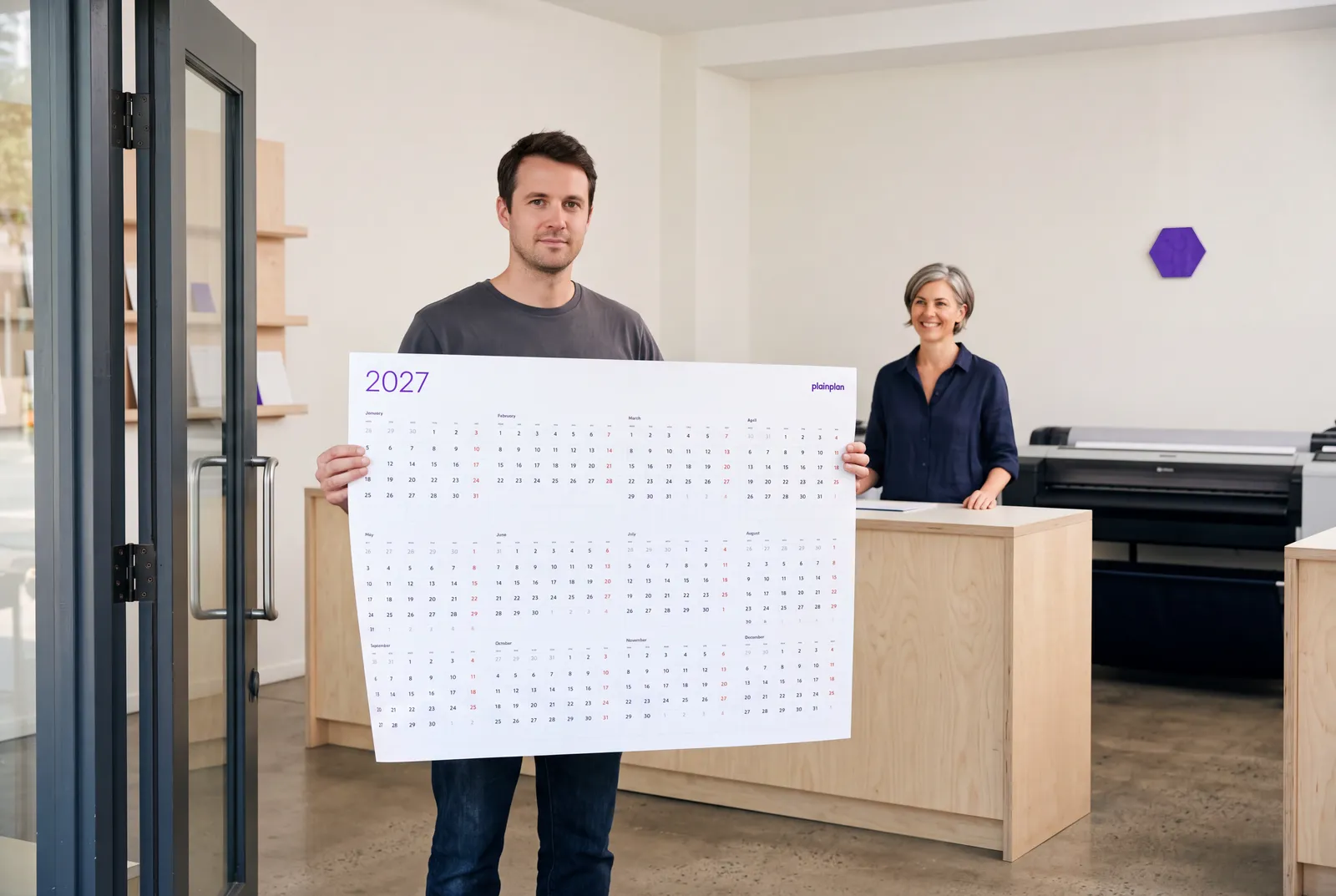
A blank grid, a pen and a legend. The same file works for a family, a shift rota or a leave planner - print it at the size your wall needs.
Clashes, cover and the quiet weeks
The reason to do this on paper is that clashes become visible before they happen. Two bars in the same week from the same team is a conversation, not a surprise in July. Mark cover arrangements directly on the sheet - an arrow from the person off to the person covering - so the answer to “who is handling that while she is away?” is on the wall too.
The planner also shows the opposite problem: the weeks with no leave at all. Those are the weeks to book training, the annual review, the office move - anything that needs everybody present.
What size for how many people
A2 handles a team of four or five with one bar per person per week. A1 is comfortable up to about ten. Past that, print A0 or the 32 × 48 inch poster and write initials rather than bars. The file is a vector PDF, so the same download prints at every one of those sizes without losing sharpness - the size guide has the reading-distance test.
Laminate it at the copy shop and use dry-erase markers if leave changes often; plain paper and a pen if it mostly does not.
Keeping it current
The sheet stays accurate only if the wall is where leave gets agreed. Make the rule that a request is not booked until it is on the wall, and the wall becomes the record. Photograph it at the end of each month and you have the archive as well.
Next year: print the new year's file, copy the fixed dates across in an afternoon, and the system carries on. Nothing to migrate, no subscription that lapsed, no template that no longer matches the team.
Frequently asked questions
For the visibility part, yes - who is off, when, and whether it clashes. For payroll and entitlement tracking, no. Most small teams run both: the system records the entitlement, the wall shows the year.
Comfortably eight to ten with a colour per person at A1. Beyond that, colour by team and write initials in the day cells at A0 or 32 x 48 inches.
Vertical. Leave is measured in weeks, and the Vertical grid shows every week of the year side by side, so a two-week bar reads as one line.
No. plainplan is a blank grid on purpose - it ships in five languages, and public holidays differ by country and often by region. You write yours in once, in the colour reserved for closures.
