
Large Wall Calendar: How Big Is Too Big?
Everyone who buys a large wall calendar is solving the same problem: the one on the fridge is too small to write in and too small to read from the sofa. Here is how the sizes actually compare, and where the useful limit is.
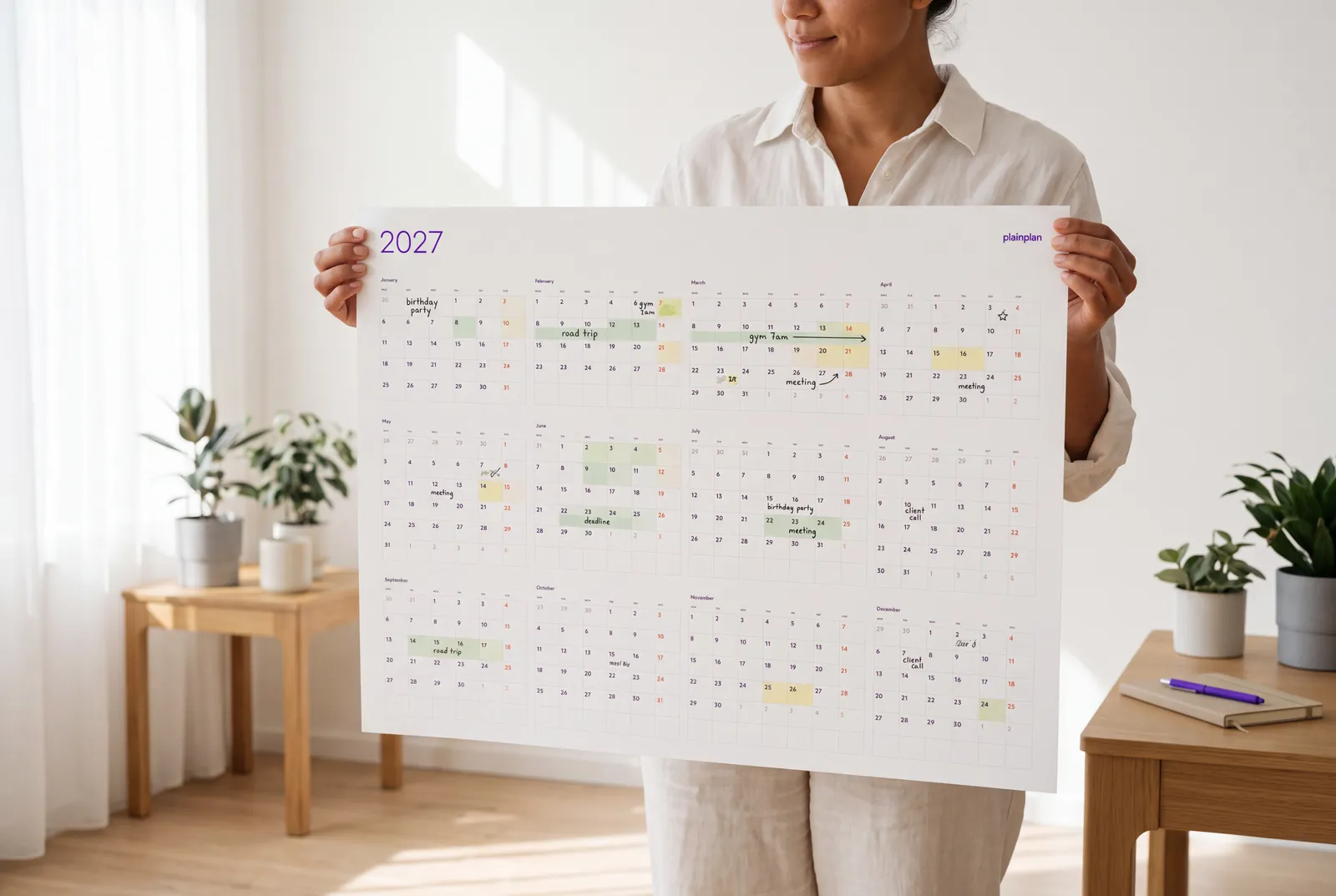
The sizes, side by side
A large wall calendar means one of about five sizes, depending on which side of the Atlantic you print on. In the ISO A series, each size is defined so that the next one up has twice the area: A3 is 297 × 420 mm, A2 is 420 × 594 mm, A1 is 594 × 841 mm and A0 is 841 × 1189 mm. In the US, the two sizes poster services actually stock are 24 × 36 inches (610 × 914 mm) and 32 × 48 inches (813 × 1219 mm).
Put in room terms: A2 is about the size of a large framed print. A1 is the standard poster you see in a bus shelter. A0 is roughly a metre wide and is the size architects use for drawings - it is a piece of furniture, not a decoration.
The US 24 × 36 inch poster sits between A1 and A0, and 32 × 48 inches is a little larger than A0. So the two systems land in the same places even though the numbers look nothing alike.
Each step up doubles the paper
This is the part people underestimate. Going from A3 to A2 does not make the calendar “a bit bigger” - it doubles the area. A2 to A1 doubles it again. An A1 planner has four times the surface of an A3 one, and A0 has eight times.
That matters because the thing you are really buying is writing space in a single day cell. Double the area and every day cell roughly doubles too. A day you could fit two words into at A3 takes a full sentence at A1.
It also matters for cost and for handling. A0 sheets do not fit in a car boot flat, they ship in a tube, and they need a wall with no radiator, switch or door frame in the way.
How far away will you be standing?
Size arguments usually stop at “bigger is better”. The honest limit is reading distance, and it is easy to test before you spend anything.
Print one month of the planner on a sheet of A4, tape it to the wall where the real thing will hang, and stand where you actually stand - at the kitchen door, at your desk, at the back of the classroom. If you can read the day numbers from there, the full-size print at that scale will be comfortable. If you have to lean in, you need the next size up, not a different calendar.
As a rough guide from our own prints: a kitchen or home office read from two or three metres works at A2. A shared office wall people check while walking past wants A1. A classroom or a workshop where somebody reads it from the back of the room needs A0 or the 32 × 48 inch poster. Past that, the limit is not legibility any more - it is whether you can reach the top row with a pen.
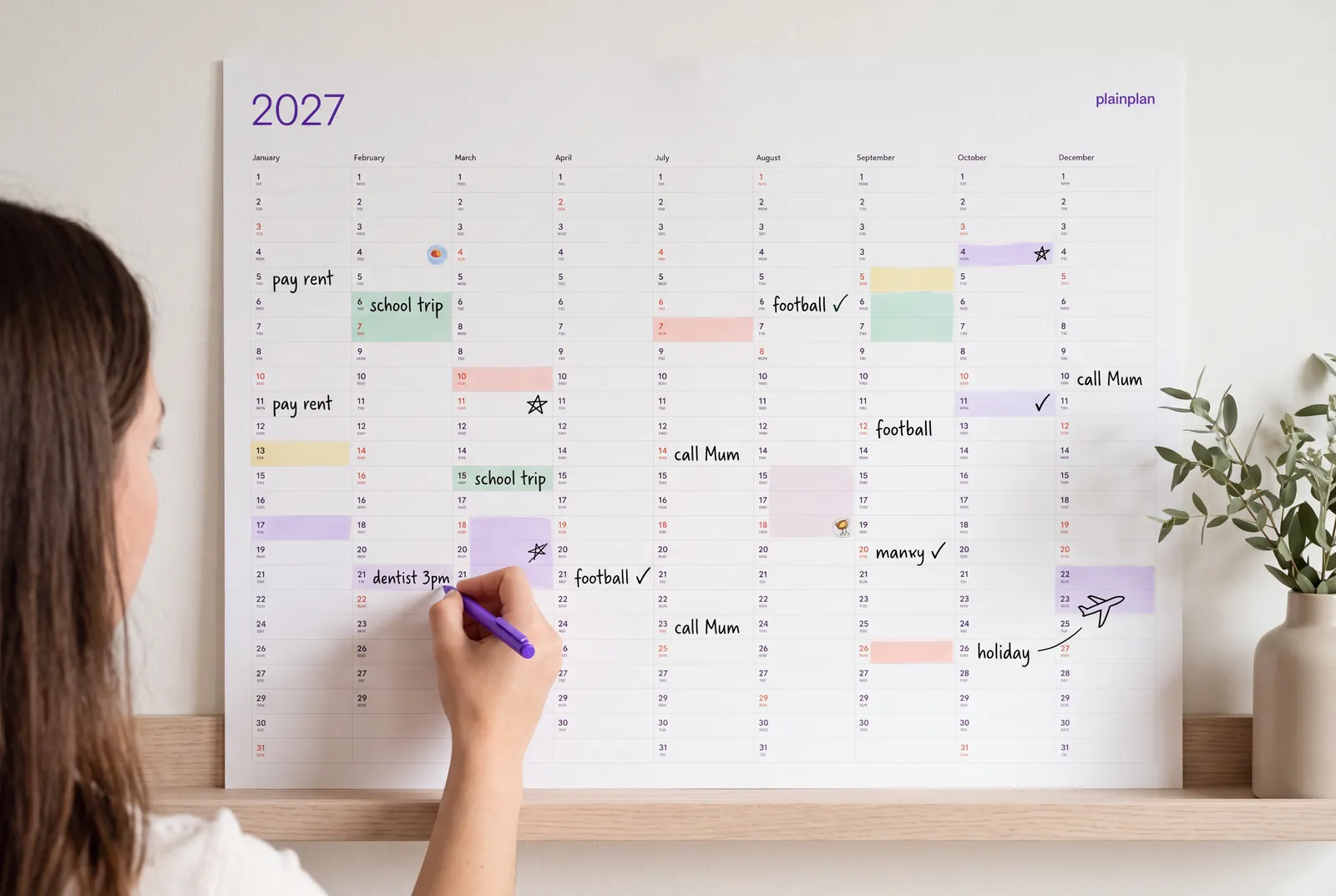
Measure the wall before you print
Three numbers decide this, and none of them is the calendar: the free width of the wall, the height at which your eye lands, and how far back you stand.
Mark the outline of the size you are considering on the wall with masking tape and leave it there for a day. It costs nothing and it catches the two mistakes people make most often - a planner that overlaps a light switch, and one hung so high that the last quarter of the year is above eye level and never gets written on.
Landscape is the orientation that fits most walls, because free wall space in homes and offices is usually wider than it is tall. Both plainplan layouts are landscape for that reason.
Where large formats get printed
A3 is the largest size most home printers manage, and many only reach A4. Anything larger goes to a copy shop or an online poster service, printed on a wide-format roll printer - which is why A1 and A0 often cost less than people expect: it is one pass of a machine that is already running.
In the US, the same job is a poster print at 24 × 36 or 32 × 48 inches. Ask for matte, not glossy, if you intend to write on it - and if you want to reuse it, ask for lamination and use a dry-erase marker.
One caveat that decides everything above: a large print only works if the file is vector. A JPG or a photo-based calendar that looks fine on screen turns into soft, pixelated numbers at A1. A vector PDF stays sharp at any size, because the shapes are drawn by the printer rather than enlarged.
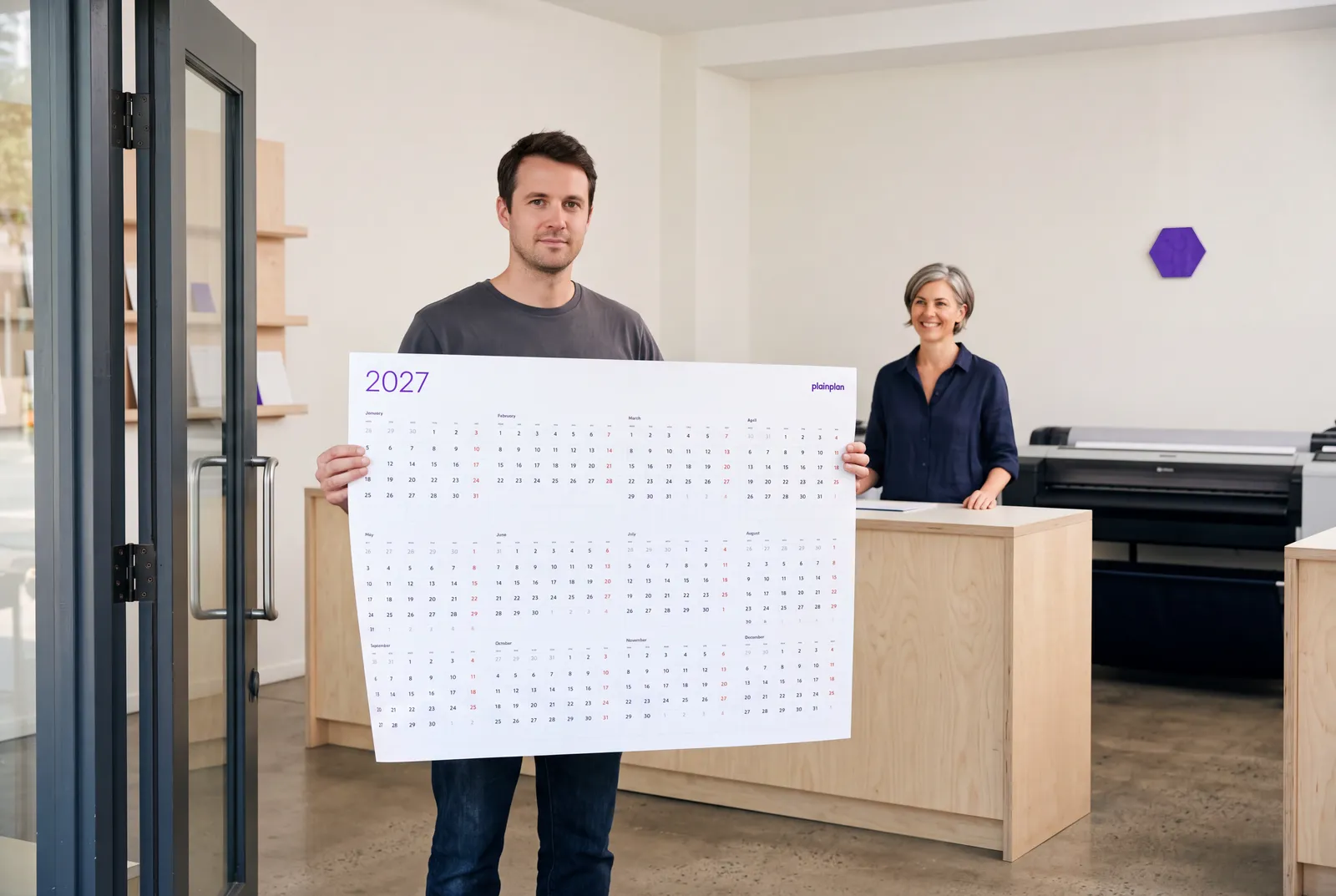
One file. Print it at any size.
plainplan is a vector PDF - the same download prints at A3 on your desk printer or A0 at a copy shop, always sharp. Try the 2026 planner for free before you buy 2027.
Which size for which room
A3 (297 × 420 mm) - a desk or a narrow kitchen wall, read from arm’s length. Prints at home. Day cells fit a word or two.
A2 (420 × 594 mm) - the size most homes end up with. Readable from across a kitchen, still small enough to hang between two doors.
A1 (594 × 841 mm) - offices and family command centres. Readable while walking past, and there is room for several people’s notes in one day.
A0 (841 × 1189 mm) - classrooms, studios, workshops. Read from the back of a room. Needs a genuinely empty wall.
US 24 × 36 in - the default American poster size, between A1 and A0. 32 × 48 in is the statement version, a little larger than A0.
If you are between two sizes, take the larger one. Nobody has ever complained that the day cells were too big to write in. Full instructions for each format are in the printing guide, and the paper weight to ask for is in the paper guide.
Frequently asked questions
A2 for most homes, A1 for an office or a busy family wall, A0 or 32 × 48 inches for a classroom or workshop. In the US, 24 × 36 inches is the size poster services stock by default and it covers most rooms.
The largest standard sizes are A0 (841 × 1189 mm, about 1.2 m tall) and the US 32 × 48 inch poster (813 × 1219 mm). Both need a clear wall with no switches or radiators in the way.
Up to A3 on most home printers, and Letter size in the US. Anything larger goes to a copy shop or an online poster service, which prints it in one pass on a wide-format roll printer.
No. A printed planner laminated at the copy shop takes dry-erase markers just as well, costs a fraction of a whiteboard, and you can reprint it next year instead of scrubbing it.
Only if it is a vector PDF. A JPG or a scanned template blurs as it is enlarged. plainplan ships as vector, so the same file prints sharp from A3 to A0.

Sources