
The plainplan Print Guide: What Is in It and How to Use It
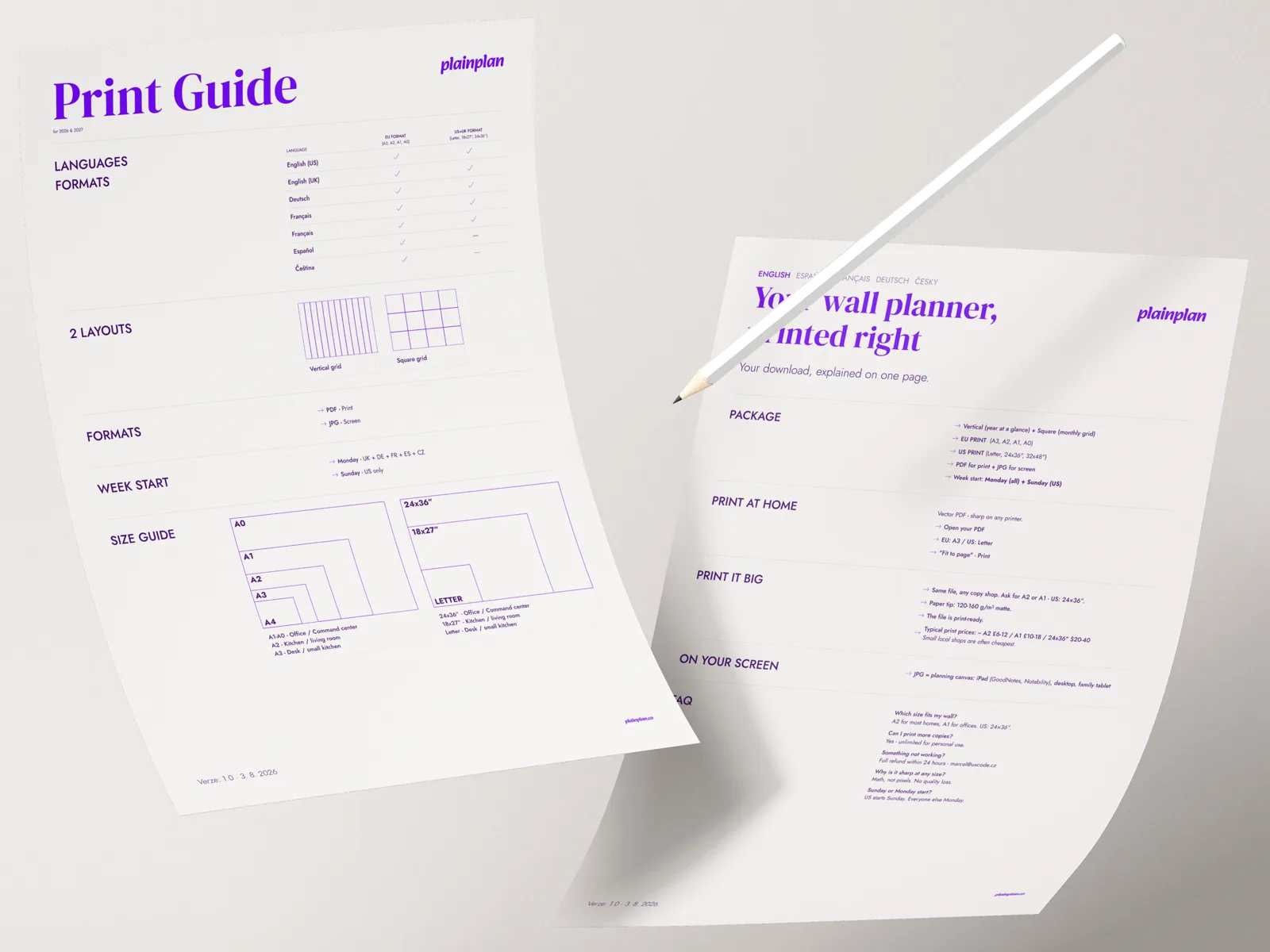
Inside every plainplan pack, next to the calendar files, there is a PDF called Print guide. It is one page per language, five languages, and it answers the questions people otherwise email us about. This is what is on it and why.
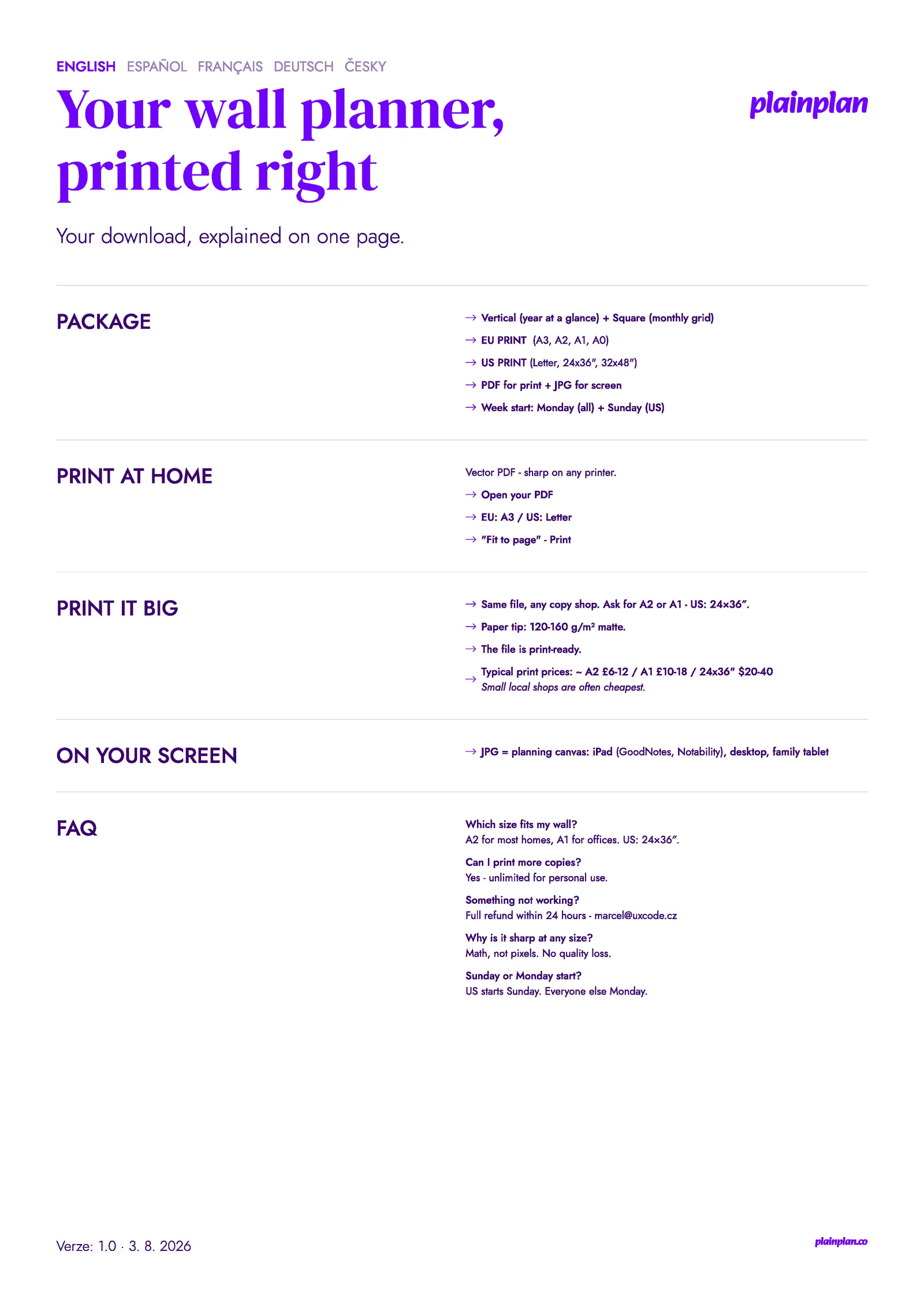
One page, five languages
The guide is deliberately short. Each language gets exactly one page - English, Spanish, French, German and Czech - and the whole thing is meant to be read once, in the time it takes to open the zip. It is a PDF like the calendar itself, so it prints on anything and opens on a phone.
The page is split into five blocks: what is in the package, how to print at home, how to print big, what the JPGs are for, and a short FAQ. If you only read one block, read Print it big - that is where people go wrong.
Package: what the files are
Two layouts: Vertical, which shows the year at a glance with months side by side, and Square, the classic monthly grid. Both are landscape.
Two print masters: EU Print, the A-series file that prints at A3, A2, A1 or A0, and US Print at the 2:3 ratio for Letter at home and 24 × 36 or 32 × 48 inch posters. You do not resize anything - you pick the size at the printer and the vector file does the rest.
Every calendar comes as a PDF for print and a JPG for screen. Week start is fixed by language: Sunday in the US version, Monday everywhere else.
Print at home in three steps
Open the PDF. Choose A3 in Europe or Letter in the US. Set the printer to Fit to page and print. That is the whole procedure, and it is the same on Windows, macOS and a phone.
A3 is the largest size most home printers manage, and it is a genuinely usable planner for a desk or a narrow kitchen wall. If you want it bigger than that, the next block is for you.
Print it big: what to ask a copy shop
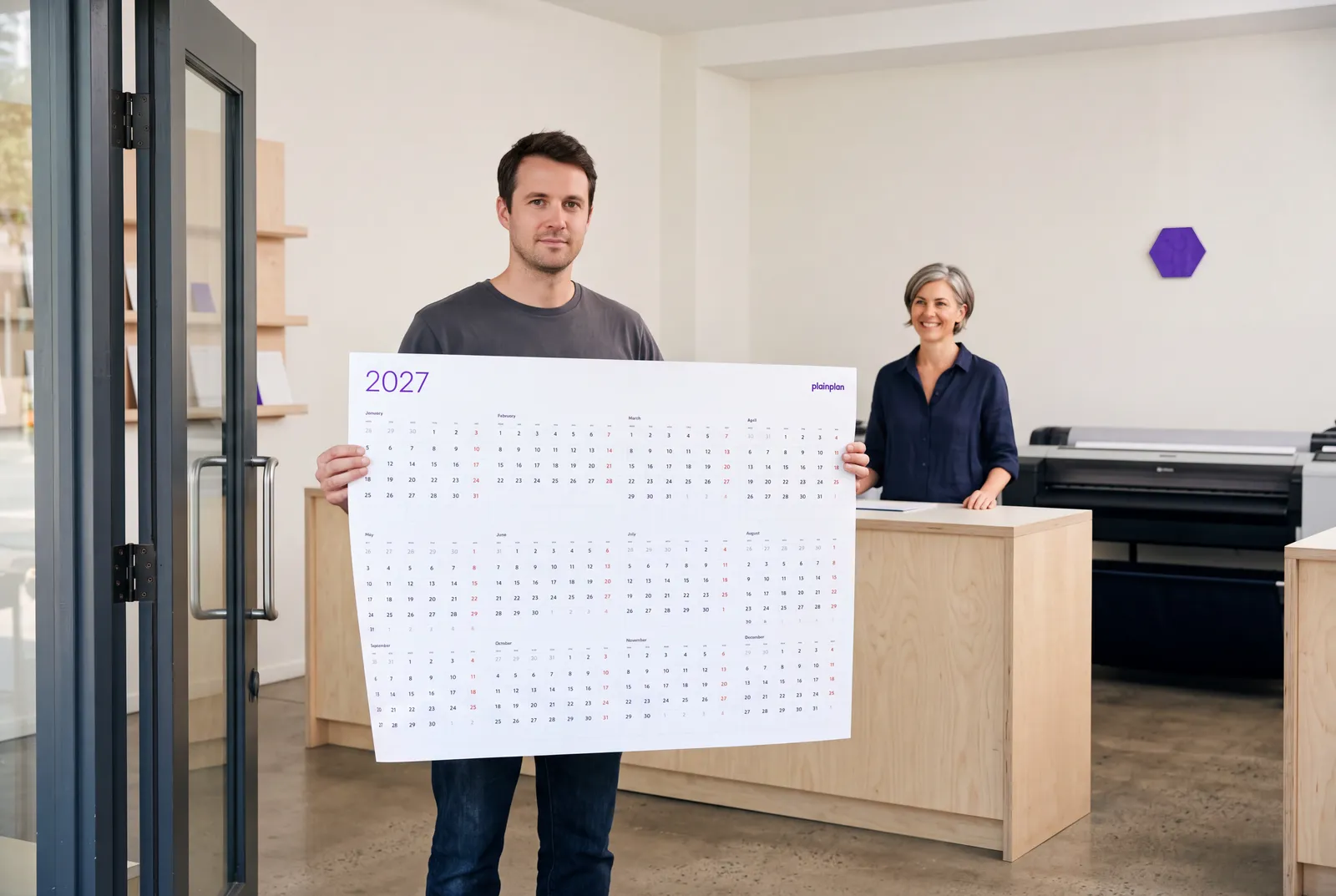
This is the block that saves the most trouble. Take the same PDF to any copy shop or online poster service and ask for A2 or A1 - in the US, 24 × 36 inches. Ask for 120-160 g/m² matte paper. Say that the file is print-ready, because it is: no bleed, no crop marks to remove, nothing to adjust.
The guide also gives a price range so you know what is normal: roughly £6-12 for A2 and £10-18 for A1 in the UK, €7-14 and €12-20 on the continent, $20-40 for a 24 × 36 poster in the US. Small local shops are often the cheapest option, and they usually print while you wait.
For the reasoning behind each of those numbers there are two longer guides: how to print at any size and which paper to ask for. The one-pager is the summary you take to the counter.
On your screen: the JPGs
The JPG versions are not a lower-quality copy of the PDF - they are for a different job. Import one into GoodNotes or Notability on an iPad and it becomes a planning canvas you write on with a stylus. It also works as a desktop wallpaper or on the family tablet in the kitchen.
Print from the PDF, plan on the JPG. The guide says it in one line because that is all it takes, but it is the question we get most often after the size question.
Try 2026 for free
before you buy 2027
The print guide is in every pack, in five languages.
The five questions on the page
Which size fits my wall? A2 for most homes, A1 for offices, 24 × 36 inches in the US. There is a longer answer with a reading-distance test if you are between two sizes.
Can I print more copies? Yes - unlimited for personal use. One for the kitchen, one for the office, a fresh one when the first gets tired.
Something not working? Full refund within 7 days. Write to marcel@uxcode.cz.
Why is it sharp at any size? Because it is a vector file - shapes described by maths, not pixels. There is no quality to lose when you enlarge it.
Sunday or Monday start? The US version starts on Sunday. Every other language starts on Monday.
Frequently asked questions
In every zip, next to the calendar files, as a PDF named Print guide. It is the same file in every language pack, with one page per language.
Not for a home print - open the PDF, pick A3 or Letter, fit to page. Read the Print it big block before you go to a copy shop; it tells you exactly what to ask for.
Yes, that is what the size, paper and print-ready lines are for. Most shops need nothing else.
The version and date are in the footer of every page. When the guide changes, every pack is rebuilt so the channels never ship different versions.
