
How to Set Up a Year-at-a-Glance Wall Planner (Method, Not Just Print)
Most people use a year-at-a-glance planner as a calendar. Here’s the method that keeps it working through December, not just through February.

Vertical vs. Square: why layout matters
Most people who buy a year-at-a-glance planner use it as a calendar. They mark a few holidays, maybe a vacation, and then ignore it until something goes wrong. That is not a setup problem — it is a method problem.
Getting the right planner is the easy part. A vector PDF, the right print size, a decent printer — done in an afternoon. What actually determines whether it works is what you do before you pick up a marker. This guide covers the method: how to set it up so it stays useful through December, not just through February.
Year-at-a-glance planners come in two main grid orientations. Square grids arrange months in a roughly equal block — three columns of four months, or four rows of three. Vertical grids run months in a single row or in a long horizontal band, with days reading downward inside each column.
For a wall planner you actually read, vertical wins. The reason is eye movement. When months run horizontally, your eye scans left to right across the year the same way it reads text — naturally, without effort. You can track from January to December in a single sweep. Square layouts require more deliberate navigation. Vertical also handles the task this format is best at: spotting patterns across months. You can see that your Aprils are always overloaded, that the summer goes quiet, that December compresses in a way that makes the Q4 deadline dangerous. That kind of pattern recognition is why you bought the planner. For a detailed look at both layouts, see the one-page 2027 calendar guide.
The pre-fill ritual: fixed points first
Before you mark a single personal date, gather every fixed point in your year. These are the dates you cannot move and did not choose: public holidays, school term start and end dates, tax deadlines, lease renewals, subscription anniversaries, known travel windows.
Mark these first, in one consistent color — black or dark grey works well. They form the skeleton of your year. Once they are on the planner, you can see immediately where the year is constrained before you start adding commitments.
This step takes about 20 minutes the first time. Most people skip it and fill in dates ad hoc throughout the year, which means they never get the complete picture. The point of a year-at-a-glance is to see everything at once — that only works if you actually put everything on it before you start using it. For a broader view of how this fits into annual planning, the article on using a wall planner for annual review goes into more depth.
Color-coding: three to five colors, no more
Color-coding a year-at-a-glance planner is one of those ideas that sounds obvious but fails in practice almost every time someone overdoes it. The useful version uses three to five colors, each assigned to a life area. The common arrangement: one color for work, one for family, one for personal projects, one for health and fitness. Some people add a fifth for travel.
Research in cognitive science shows that the brain processes color-based visual information dramatically faster than text — making color a genuine tool for rapid pattern recognition rather than just an aesthetic choice. But this advantage only holds when the system stays simple enough for instant recognition. Beyond five colors, you need to look up which color means which category, and the planner starts working against you.
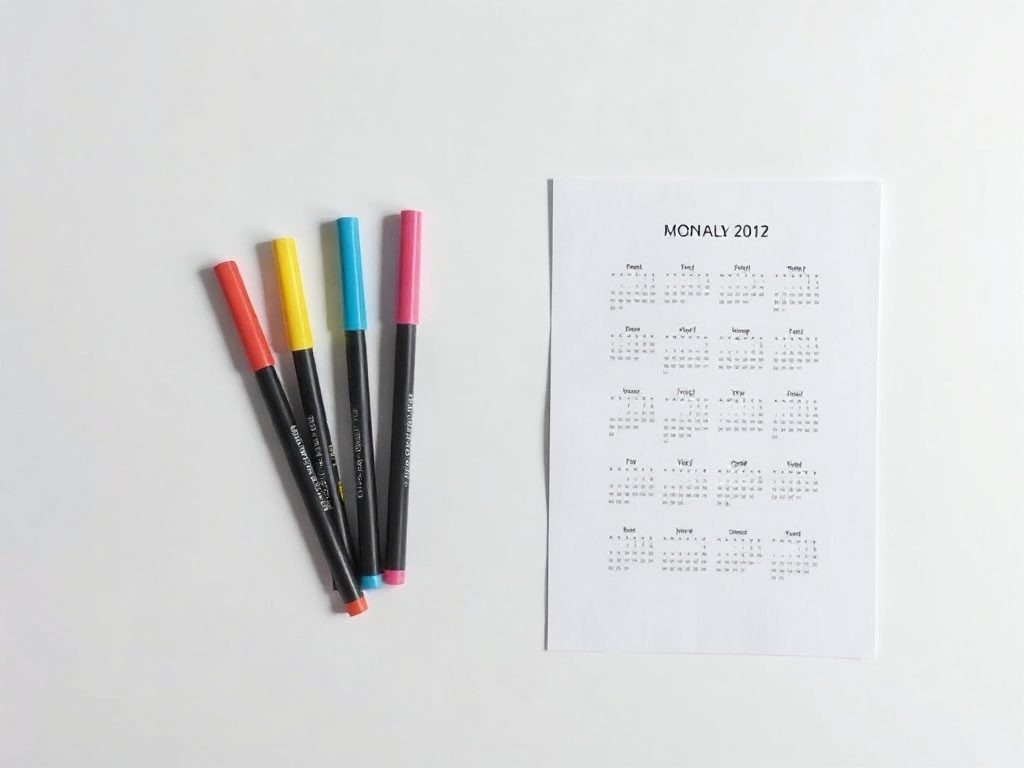
Dot stickers work better than markers for this kind of coding. They are fast to apply, easy to remove if plans change, and stay readable at small cell sizes. A single dot per day per category is enough. You do not need to fill the cell — you need to signal the category. For a deeper treatment of this approach, the article on color coding your wall planner covers the full system.
Deep work blocks: mark the good weeks before they fill up
Deep work — concentrated, uninterrupted effort on the things that actually move your goals — requires weeks, not hours. The mistake most people make is treating it as something to fit into gaps. The gaps never come. You have to reserve the weeks before the year starts, the same way you would book a flight.
Look at your year after you have marked the fixed points. Find the weeks that are already quiet: no conferences, no school events, no holidays that fragment attention. Mark those weeks visibly — a bracketed line down the side of the cells, a colored bar across the week. These are your deep work windows.
Cal Newport, writing on his approach to long-form scheduling, describes how seeing the year as a set of seasonal phases — rather than individual days — allows you to assign the right kind of work to the right kind of time. The wall planner makes this visible in a way that no app replicates: you can see, at a glance, which stretches of the year are genuinely available for concentrated effort. Then protect them. When someone asks if you are free that week, the answer is no — not hostile, not apologetic, just already committed.
Quarterly review markers: the habit that makes it work year-round
Most planners are set up in January and consulted less and less as the year progresses. The fix is mechanical: put a small mark — a dot, an X, a circle — on the last day of each quarter. March 31, June 30, September 30, December 31.
Those marks are triggers. When you reach one, spend 20 minutes doing a backward-forward review: what happened this quarter, what slipped, what changed, what the next quarter now actually looks like. Then update the planner to reflect reality rather than your January assumptions.
Research on quarterly reviews in professional settings consistently shows that regular structured reflection is one of the highest-leverage productivity habits available — not because the review itself takes long, but because it keeps your plans connected to what is actually happening. The habit separates people who use their year-at-a-glance planner in December from people who stopped using it in April.
What not to put on a year-at-a-glance planner
A wall planner has a fixed cell size, and that constraint is a feature. It forces you to record only what matters at the year level. The things that do not belong: daily task lists, meeting times, shopping reminders, anything that changes week to week.
If you write your 10am call in the planner cell, you are using a year-at-a-glance as a diary. The cell is now taken up with something that will be irrelevant in 48 hours, and the planner loses its function as a high-level view. Keep time-specific events in a calendar app. Keep daily tasks in a notebook or app. The wall planner holds structure, not schedule.
The right test for whether something belongs on the year-at-a-glance: would it still be visible and relevant from across the room in three months? If yes, it belongs. If it is gone or irrelevant by next week, it does not. That filter keeps the planner readable and keeps you reaching for the right tool for each kind of planning. If you’re deciding between a yearly planner and a monthly calendar, that article covers when each format fits best.

Frequently asked questions
A year-at-a-glance wall planner displays all 12 months of a year on a single printed sheet. Unlike a monthly calendar that shows one month at a time, it gives you a full-year view so you can see deadlines, events, and patterns in relation to each other — all without flipping pages.
Three to five colors is the practical limit. Each color should represent one life area — work, family, personal projects, health, travel. Beyond five, the system requires a legend to decode, which slows you down. The goal is instant recognition from across the room.
Start with fixed points: public holidays, school term dates, tax deadlines, known travel, recurring annual events. Mark these in one consistent color before adding anything personal. They form the skeleton of your year and reveal the constraints before you start making commitments.
Mark the last day of each quarter — March 31, June 30, September 30, December 31 — as a review trigger. When you reach that date, spend 20 minutes reviewing the past quarter and updating the next one to reflect reality. This quarterly habit is what keeps the planner relevant through December rather than abandoned by April.
Sources
- Huang, H. et al. (2023) — How using a paper versus mobile calendar influences everyday planning and plan fulfillment — Journal of Consumer Psychology (Wiley)
- Newport, C. — Milton Friedman’s Deep Work Seasons — Cal Newport
- Color Coding for Organization, Time Management, and Productivity — 101 Planners
- The Importance of a Quarterly Review — Anthony Cole Training
Ready to plan your year?
One file. Any wall. Always sharp.